01
A link is your starting point.
Paste a supported media link, review the available media, and choose the download you want.
VIDEO DOWNLOADER & PLAYER
Save a video for later. Watch it on your terms. Bring supported downloads, local playback, and an optional home launcher together in one app.
01 — THE EVERYDAY TOOLKIT
Keep your video tools and everyday apps within reach, from the first link to the next time you press play.
Paste a supported media link, review the available media, and choose the download you want.
Use Android’s Share menu to send a supported link to Video Downloader & Player.
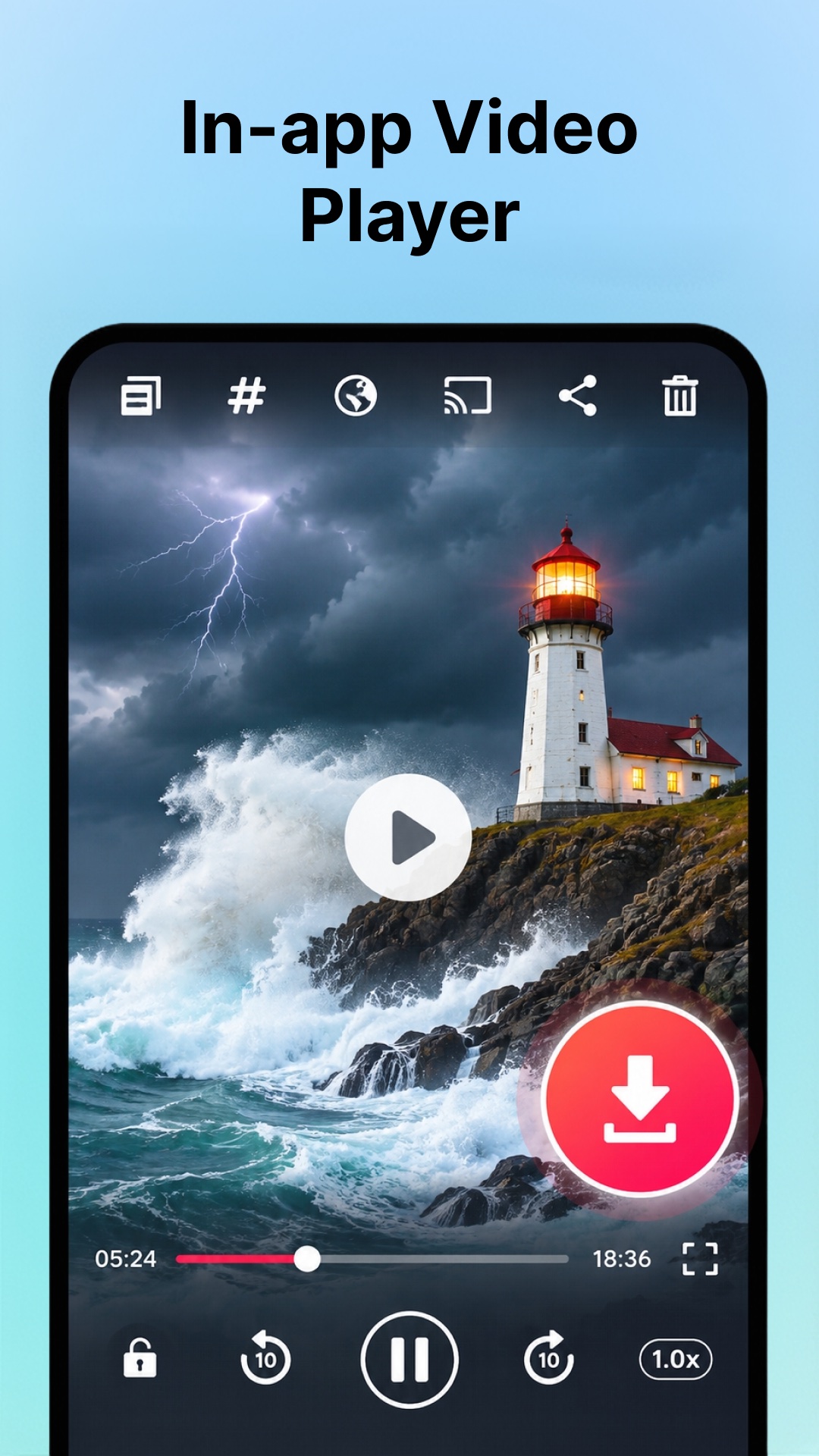
Play completed downloads stored on your device without opening the original page again.
Check download progress and find completed files together in one place.
Open, share, or delete saved media. Choose the app or service you want to share through.
Find and launch installed apps, arrange shortcuts, and access your downloader with the optional launcher.
Supported websites, formats, quality, and download speed depend on the source, your connection, and platform restrictions. Playback compatibility depends on your device and the media file.
02 — LINK TO LIBRARY
Start with content you have the right to download. The app handles supported links from there.
Paste a supported media link, or send it to the app through Android’s Share menu.
Check the available media, start your chosen download, and follow its progress.
Find the completed file on your device and play it offline when you’re ready.
03 — MORE AT HOME
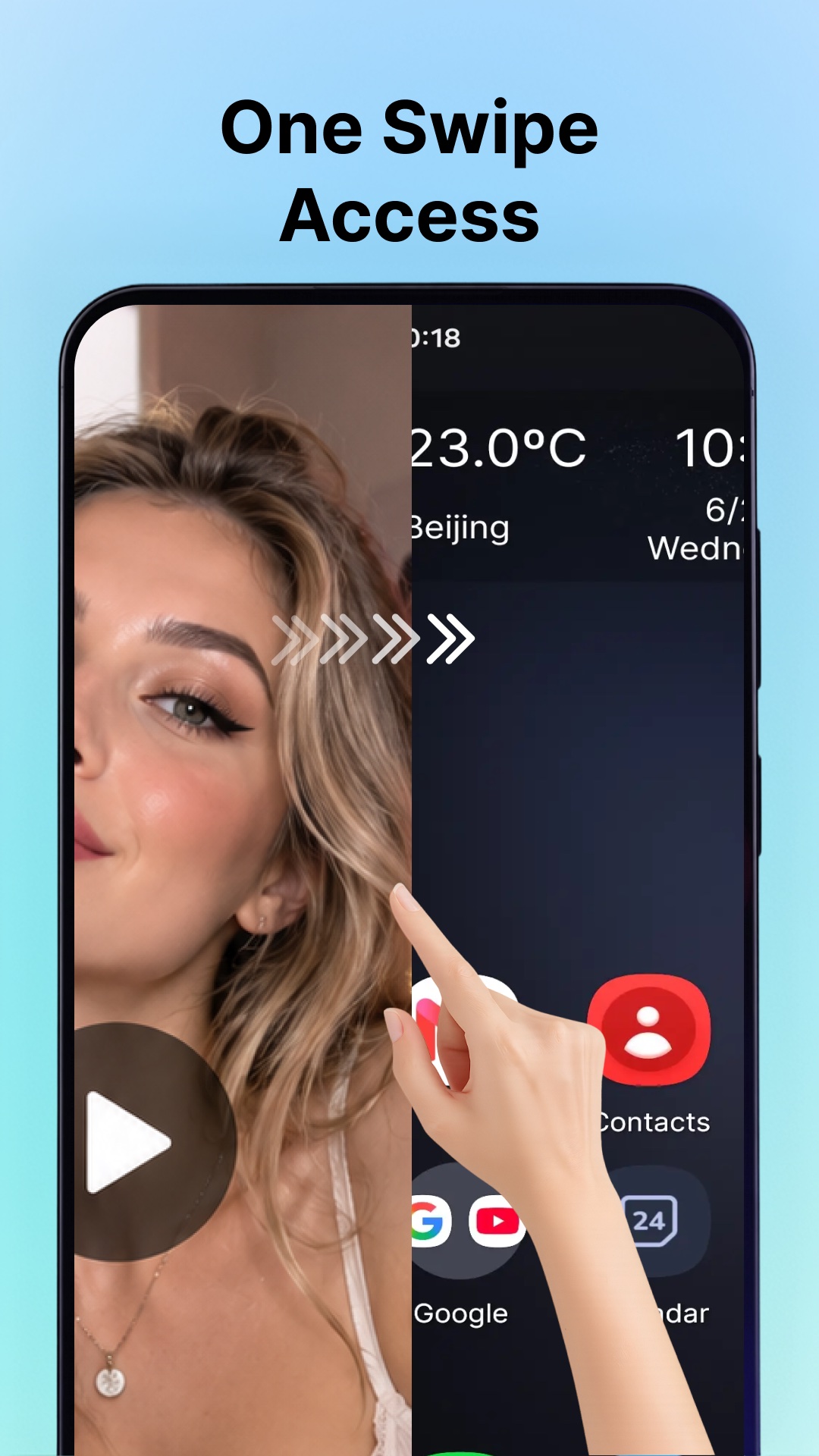
Keep the downloader close to the apps you use every day. The optional home-screen launcher lets you find and open installed apps and arrange your shortcuts.
To use it as your home screen, select Video Downloader & Player in Android’s default Home app settings. You can switch back to your system launcher or another launcher in Android settings whenever you choose.
The launcher uses installed app names, icons, and package details to display, search for, and launch apps. According to the listing, this information stays on your device and is not shared for advertising or analytics.
04 — A CLOSER LOOK
Explore all five previews from Google Play. Select any screenshot to see the full image.
Original Google Play artwork. The app contains advertising. Website support, available quality, and format compatibility are subject to the limitations described above.
A NOTE BEFORE YOU SAVE
Download only content you own or have permission or another lawful right to save. Public availability alone does not mean a video may be copied. Respect copyright, privacy, and the source platform’s terms.
The app does not bypass DRM, paywalls, private-account restrictions, or other access controls. Some websites and links are unsupported.
Video Downloader & Player is an independent app, not affiliated with or endorsed by any social-media platform or content owner. File access is used for saving, playing, and managing media; permissions are requested when relevant to the feature you use.
Read the privacy policySAVE. PLAY. MAKE IT YOURS.
Video Downloader & Player · Android 9+ · Contains ads